The short answer
Structured is excellent for laying out your day hour by hour on a clear timeline. If you'd rather have a real calendar (week, month, invitations, shareable openings) and a reason to come back at night, Daybard reads your calendar as is, turns your events into quests and lets you replay your day as an RPG adventure.
Structured won a lot of people over with a simple idea: replace the task list with a single vertical timeline where tasks and events follow each other in the order of your day. The app is polished, built with accessibility in mind, and often mentioned by people with ADHD. So why look for a Structured alternative? Usually for one of these reasons: needing a real calendar view, getting tired of re-planning every morning, or wanting motivation that doesn't rest on discipline alone.
Structured vs Daybard at a glance
| Structured | Daybard | |
|---|---|---|
| Idea | A timeline of your day where you place tasks and events | A full calendar where every event becomes a quest |
| Views | The day, as a timeline | Day, Week, Month, Agenda |
| Your existing calendar | Imported (on iPhone, with Pro) | Read directly, included for free |
| Planning | Reschedule what slipped, AI help (Pro) | Natural-language quick add, shareable openings |
| Motivation | Checking off, watching the day progress | XP, gold, loot, evening replay, boss of the day |
| Platforms | iPhone, iPad, Mac, Android | iPhone and Mac |
| 🌙 Best if… | you plan your day task by task | you live in your calendar and want a reward |
What Structured does really well
What I like about Structured is that it makes time visible. Seeing your day as a line, with the length of each block, helps you estimate, avoid overloading and know what comes next. The feature that slots whatever slipped into the time you have left is a real relief on days that go off the rails. And the app takes accessibility seriously, which is rare.
If your main need is breaking your day into blocks and knowing what to do at every moment, Structured is still a great pick.
Why some people move on
- A timeline isn't a calendar. To see your week or month, handle invitations or share your availability, you often need another app alongside.
- Planning takes energy. Filling in your timeline every morning is a task in itself, and on low days the app stays empty.
- Motivation rests on discipline. Ticking off blocks feels good, but nothing really celebrates a hard day you got through anyway.
Daybard's approach: a full calendar, plus a game
Daybard is a real native calendar first. On Mac: four views (Day as an hourly timeline, Week, Month, Agenda), keyboard shortcuts for everything, natural-language quick add ("team sync Thursday 2pm every 2 weeks"), shareable openings where the guest books and the app creates the event, and factions to switch between personal and work calendars. On iPhone: your calendar and your epic side by side.
It reads the calendars already on your devices, with no import and no subscription. Then it adds a game layer: each event gets a quest title and a threat, finished days bring XP, gold and loot, and at night, on iPhone, you replay your day as chapters, with a boss of the day.
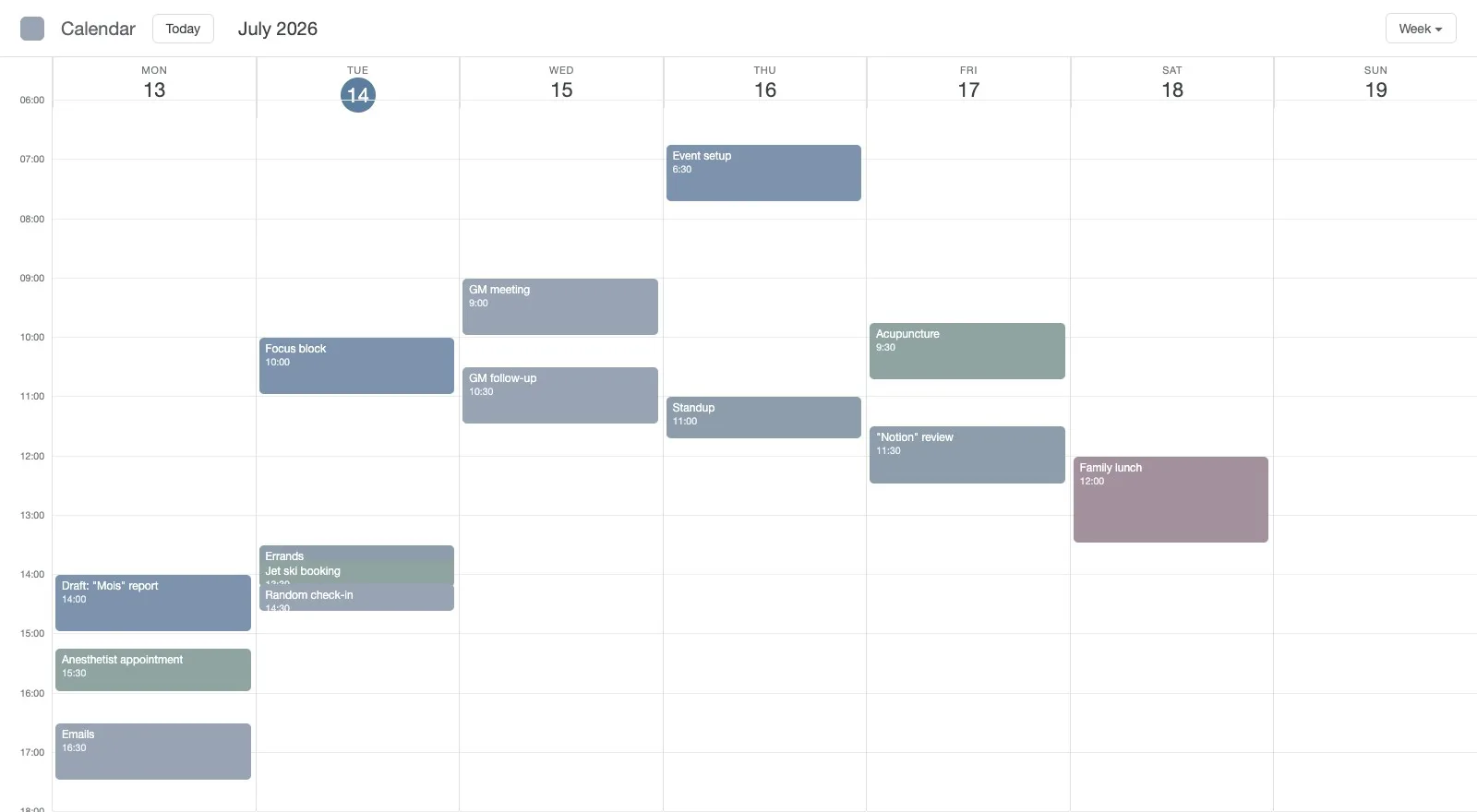
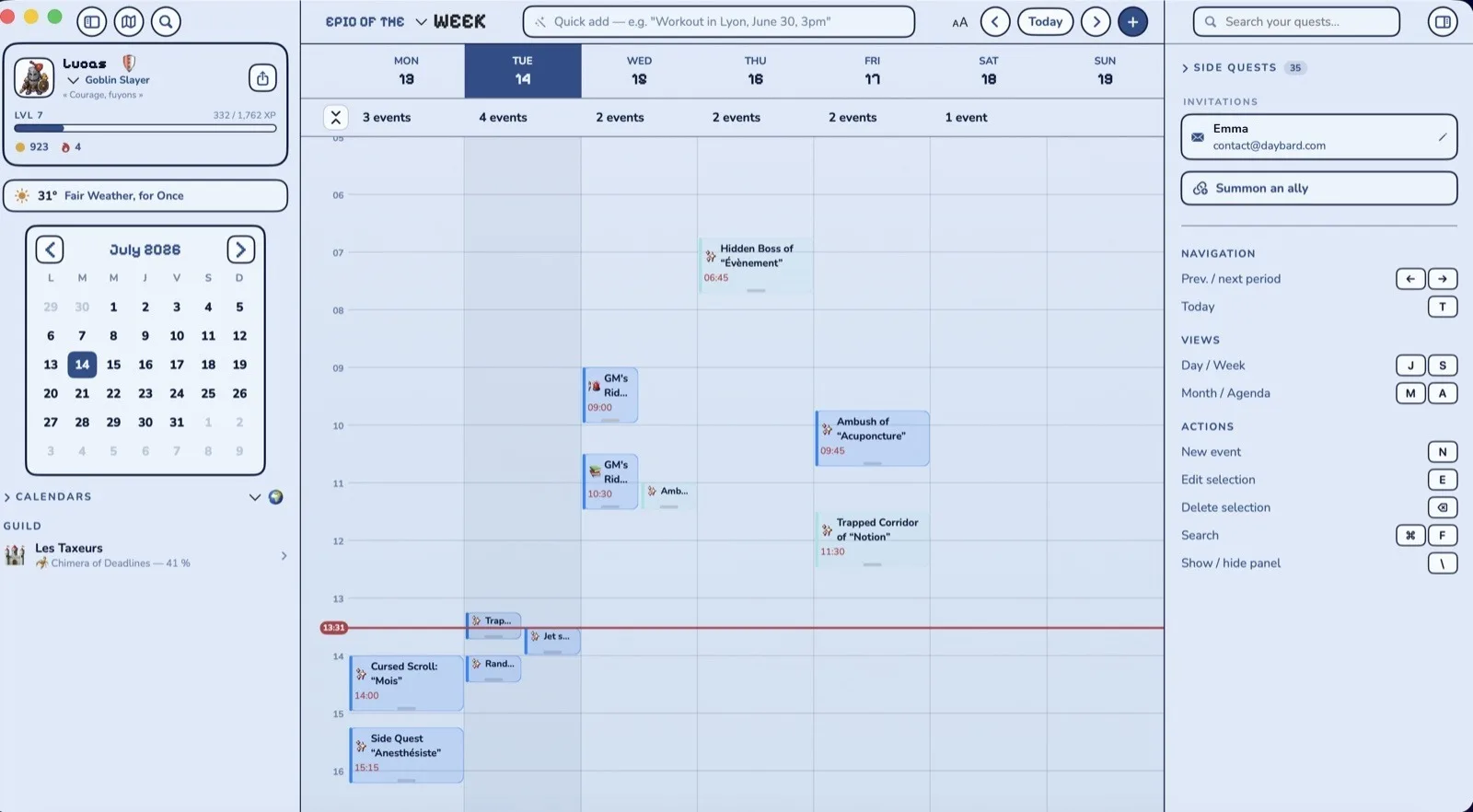
Plan less, acknowledge more
That's the core difference. Structured asks you to build your day in advance. Daybard starts from what your calendar already holds, and at night it helps you acknowledge what you got through. The two aren't at odds: you can plan in the morning and look back at night. But if planning every day wears you out, Daybard removes that step without leaving you without structure, since your calendar is still there, readable, in four views.
What Daybard doesn't have
- No automatic rescheduling of what slipped, and no AI assistant that builds your day.
- No timed task list like Structured: Daybard revolves around events. Your reminders show up, but it isn't a task manager.
- No Android or web version. Daybard is native iPhone and Mac.
Moving from Structured to Daybard
- Install Daybard on Mac from this site and on iPhone from the App Store.
- Allow calendar and reminders access. Your existing events show up right away.
- Add your blocks in one sentence with quick add: "focus on report tomorrow 9-11am".
- At night, replay your day on iPhone. Keep Structured for morning planning if you like.
A calendar that says thank you
Free download, no account. Your events become quests today.